Applications

Start with the space. Then specify the material.

These application directions help connect the intended result with a suitable aluminum product. Final suitability and production feasibility are confirmed case by case.

From visual idea to specification

See the effect. Explore the material.

Send your reference →
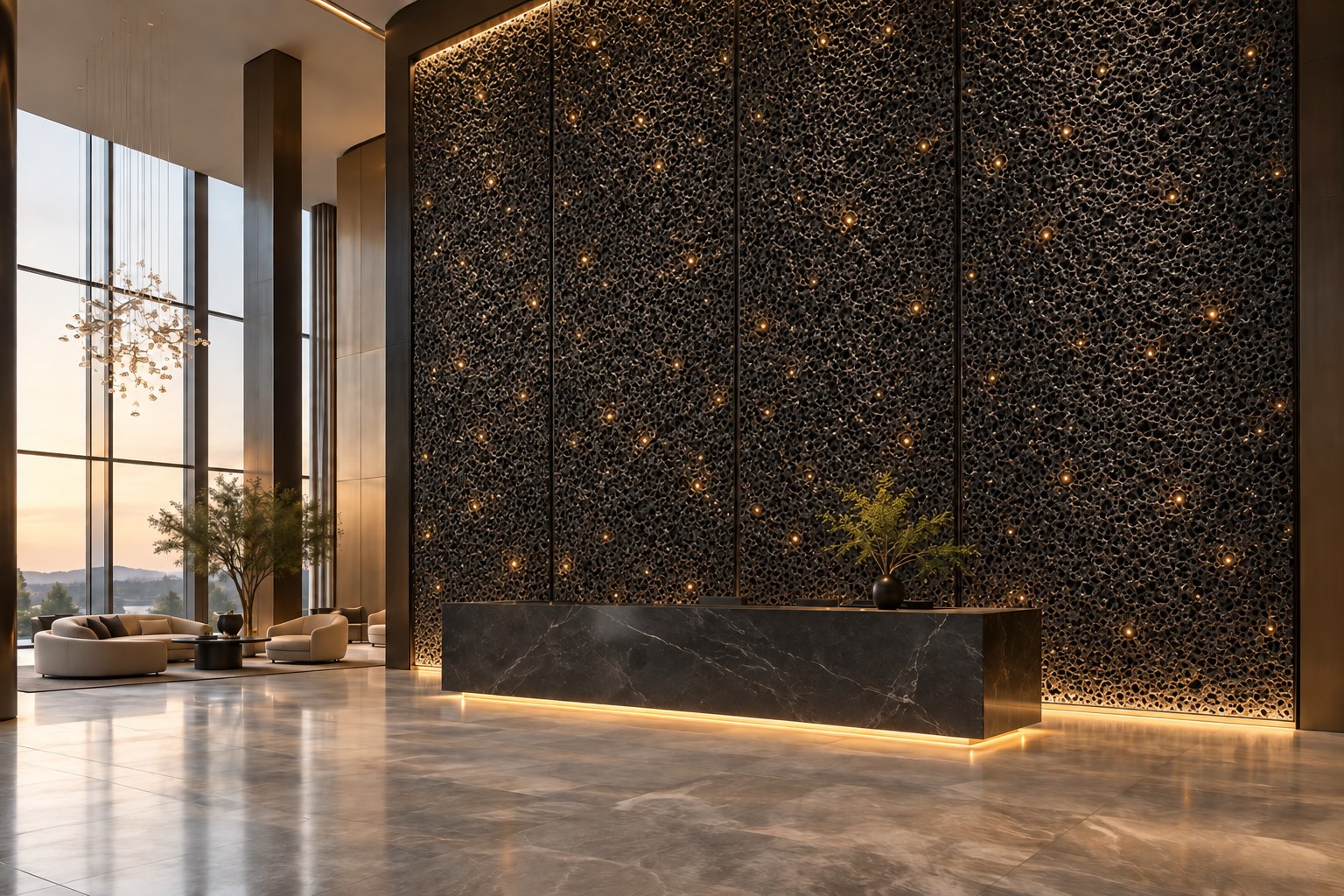
Foam aluminum · Backlit feature walls

AI application concept / 01

Foam aluminum · Backlit feature walls

An open-cell metal texture offers a direction for feature walls and light boxes. Match the pore structure and lighting cavity using a physical sample.

What to specifyThickness · Sheet size · Pore structure · Light-box depth · Finish
Explore foam aluminum →
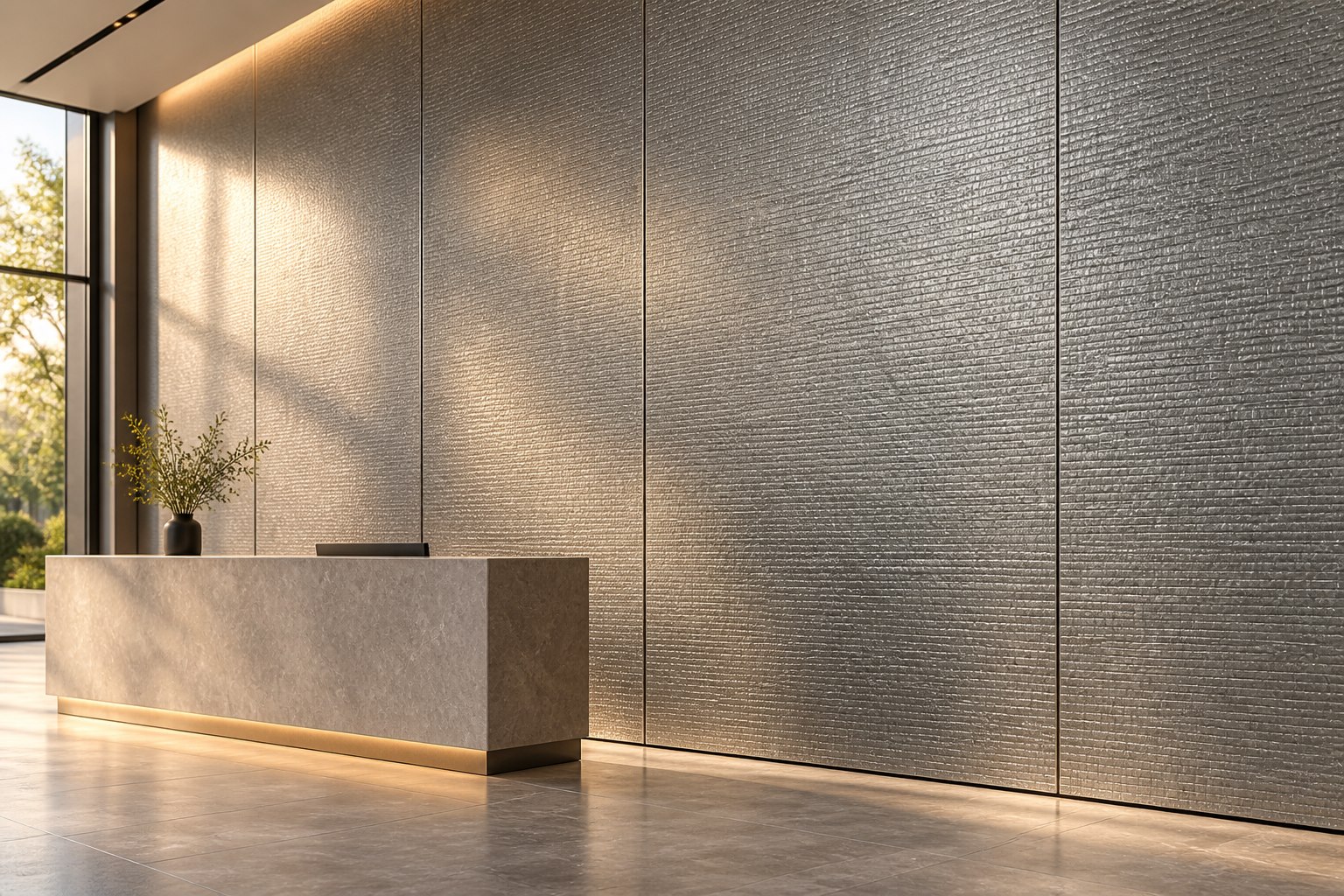
Embossed aluminum · Texture under grazing light

AI application concept / 02

Embossed aluminum · Texture under grazing light

Raised surface patterns create a tactile decorative wall. Choose the pattern from the catalogue, then confirm the sheet thickness, panel layout and finish.

What to specifyPattern sample · Sheet thickness · Width · Panel joints · Finish
Explore embossed sheet →
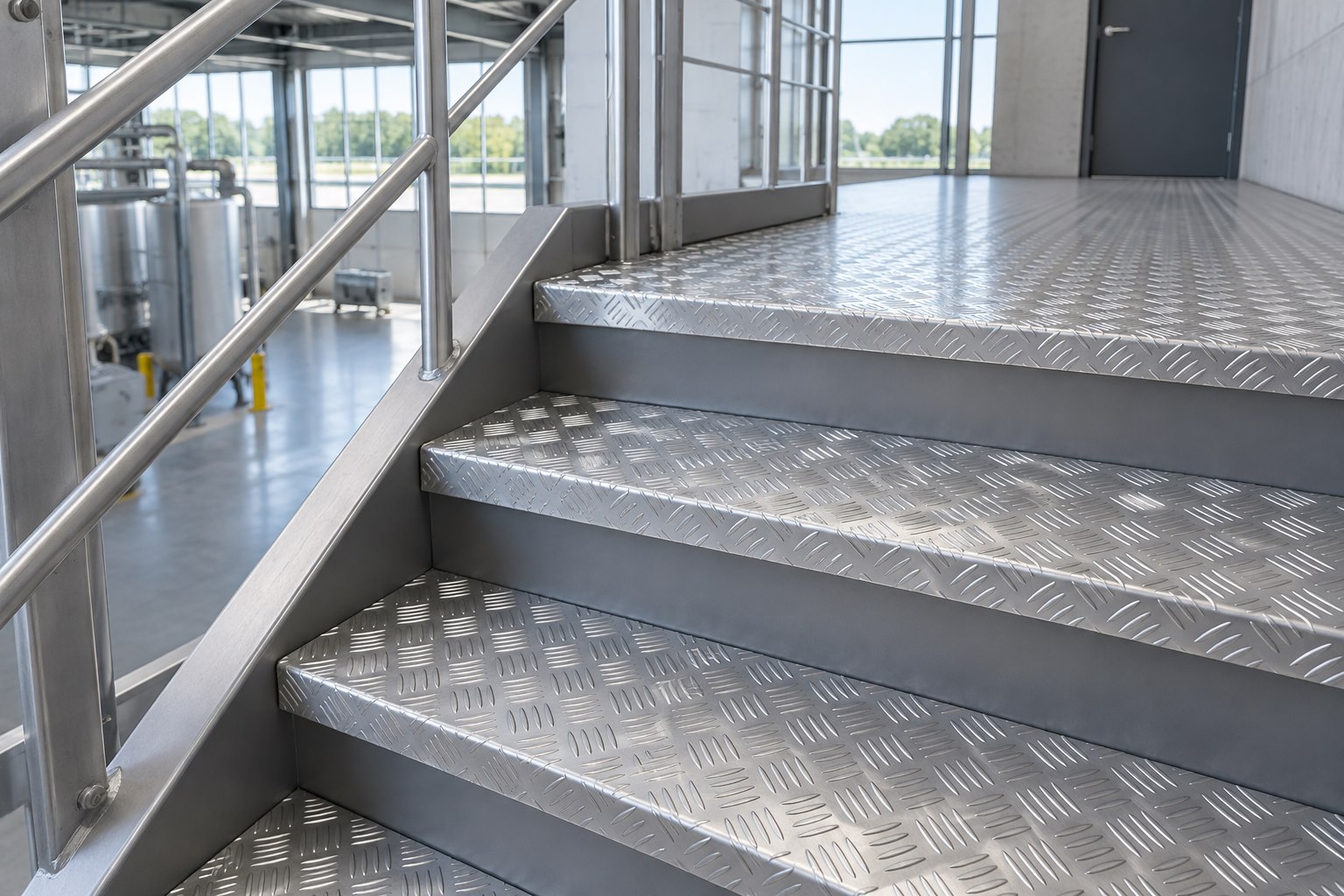
Checker plate · Steps and working surfaces

AI application concept / 03

Checker plate · Steps and working surfaces

Raised-pattern sheet is a starting point for treads and landings. Pattern, loading, supports and local requirements must be reviewed; the illustration is not a certified stair system.

What to specifyAlloy / temper · Pattern · Base thickness · Supports · Edge detail
Explore checker plate →
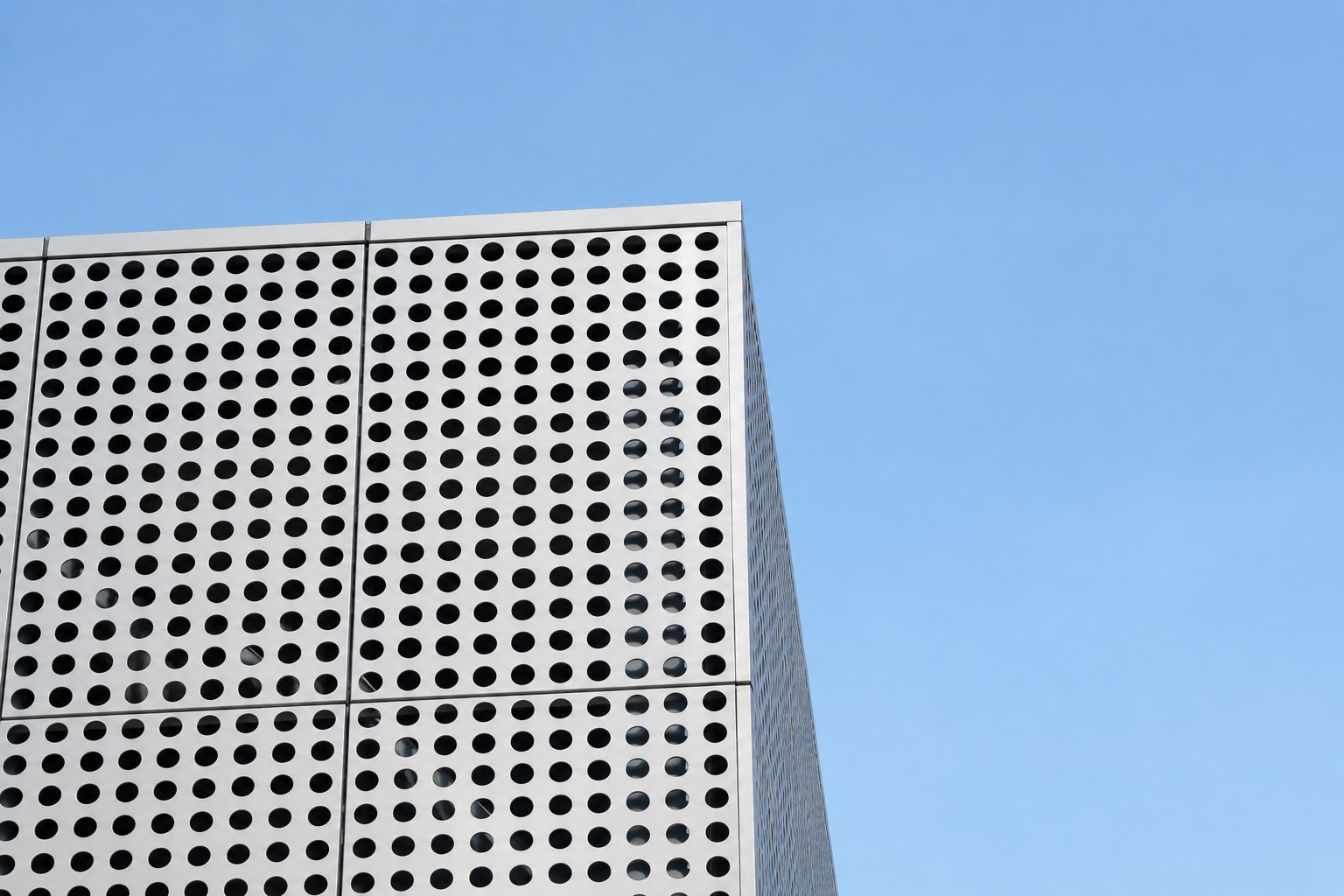
Perforated panels · Depth and rhythm

Application reference / 04

Perforated panels · Depth and rhythm

Perforated panels create a second skin: a balance of daylight, visual screening and a repeating architectural pattern.

What to specifyHole diameter · Pitch · Open area · Panel size · Finish
Explore perforated panels →
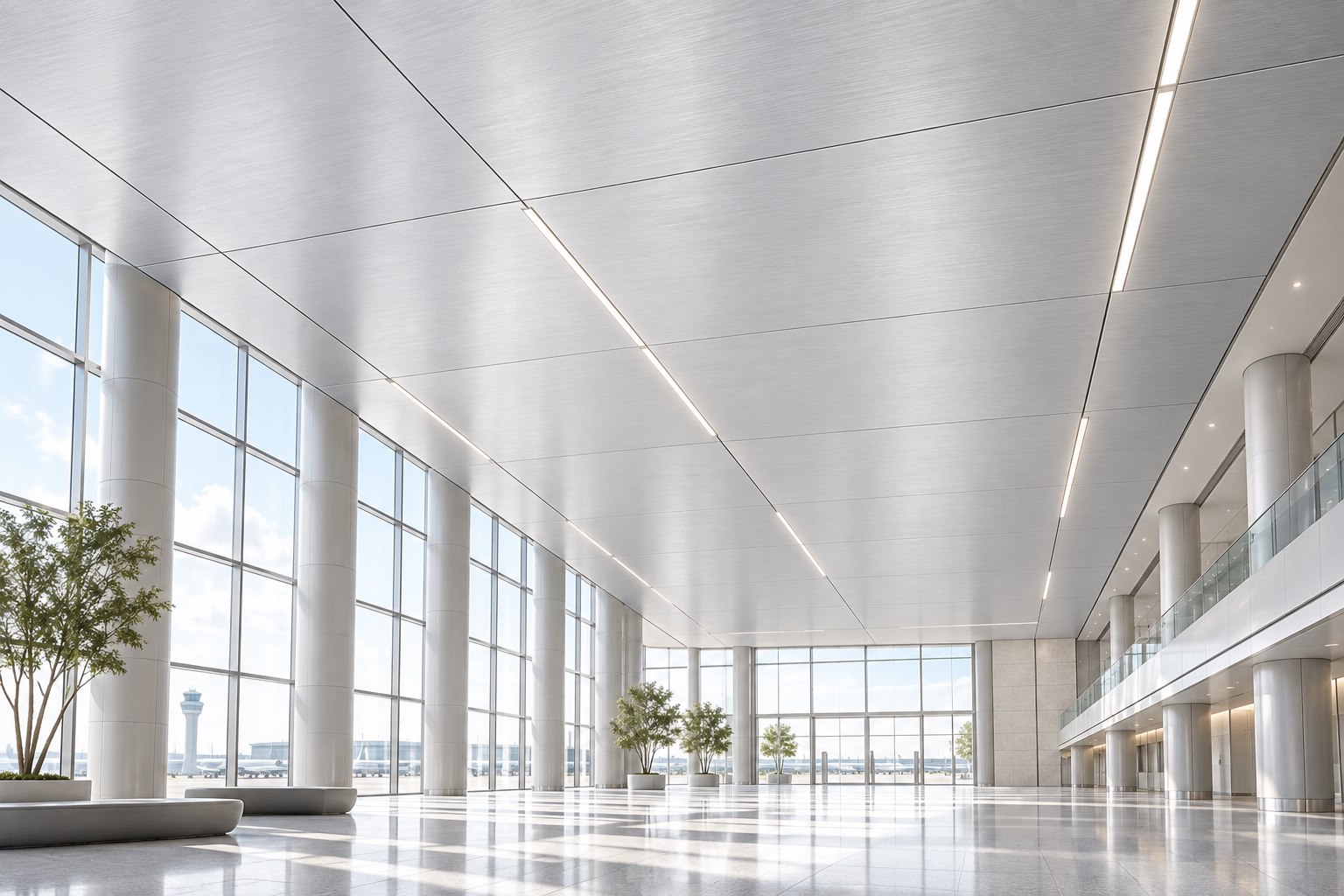
Honeycomb panels · Large-format ceilings

AI application concept / 05

Honeycomb panels · Large-format ceilings

A solid panel face over an internal aluminum honeycomb core offers a direction for lightweight architectural surfaces. Confirm the skins, core, bonding, suspension and project requirements.

What to specifyTotal thickness · Aluminum skins · Core · Panel size · Fixing system
Explore honeycomb panels →
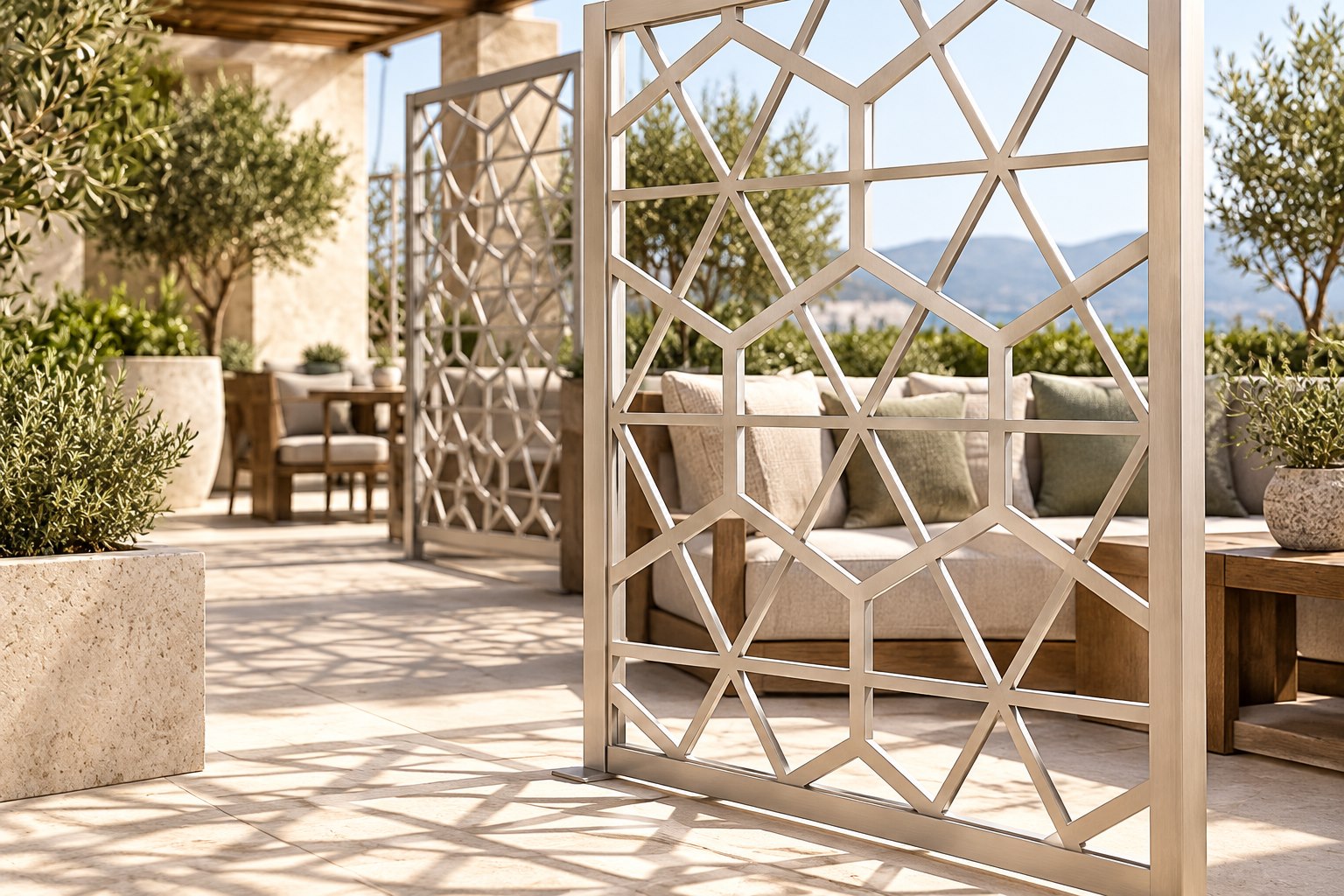
Laser-cut panels · Patterned partitions

AI application concept / 06

Laser-cut panels · Patterned partitions

A geometric screen can define space and cast patterned shadows. Share a drawing so we can review the cut pattern, remaining bridges, margins and fixing details.

What to specifyDrawing · Thickness · Opening geometry · Finish · Quantity
Explore custom-cut panels →

AI concepts and photographic references illustrate design directions, not Henan Alumi delivery cases or fabrication drawings. Exact textures, dimensions, lighting, structural suitability and supply scope require sample and project confirmation.

Where aluminum fits

Six practical starting points

01

Building facades

Review panel weight, pattern, open area, finish, substructure and exterior exposure.

Relevant product routesPerforated panel · Laser cut panel · Honeycomb panel

02

Decorative screens & partitions

Start from the desired visual privacy, pattern scale, viewing distance and installation method.

Relevant product routesLaser cut panel · Perforated panel · Embossed sheet

03

Ceilings

Confirm module size, weight, perforation or texture, finish and access requirements.

Relevant product routesPerforated panel · Embossed sheet · Honeycomb panel

04

Interior feature walls

Coordinate colour, texture, joints, edge details and the intended lighting condition.

Relevant product routesFoam aluminum · Embossed sheet · Honeycomb panel

05

Ventilation & equipment panels

Balance hole geometry and open area with protection, airflow and fabrication needs.

Relevant product routesPerforated panel · Checker plate · Custom fabricated aluminum

06

Drawing-based custom components

Use the drawing to review material, geometry, tolerances, process, finish, packing and quantity.

Relevant product routesProduct route confirmed after drawing review

Application brief

Four answers are enough to start.

  1. 01Where will the product be used?
  2. 02What visual or functional result is required?
  3. 03What are the target size and quantity?
  4. 04Can you share a drawing or reference image?

Have an application or drawing ready?

Use the enquiry form, email or WhatsApp. We will move one practical step at a time.

Send Requirement